
Migrating My Linux Desktop to the Gaming Rig: Linux is seriously impressive !!!

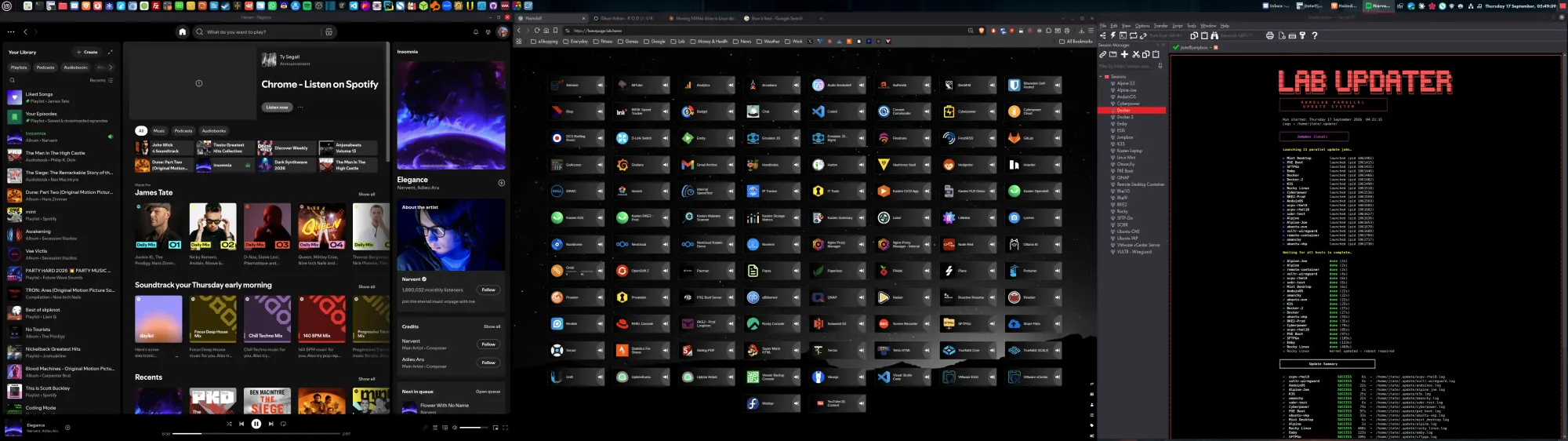
I've been running my Linux Mint desktop on an aging i5-12400F with an RX 6600 XT for a while now, and it's had... a journey. Bad DIMMs, a flaky SATA cable, Bluetooth dongles that couldn't hold a signal, Cinnamon segfaulting whenever the monitor went to sleep. So when I found myself with a spare gaming PC — AMD 9900X, Nvidia 4070 Ti, 64GB RAM — sitting mostly idle, the obvious move was to retire the old hardware to Zwift duty and give my actual desktop a serious upgrade.
It went mostly smoothly. But there was one genuinely nasty gotcha in the middle that's worth documenting properly, because the failure mode was subtle enough that I spent a good hour chasing a hardware fault theory before realizing it was a fstab formatting bug.
The plan: clone, don't swap
Rather than physically moving the NVMe boot drive across (my usual approach, and one that's worked "99% of the time" in the past), I used Clonezilla to clone the drive instead. This meant the old Mint install stayed intact and bootable as a fallback the entire time — if the new hardware didn't come up cleanly, I could just plug the original drive back in and lose nothing.
The one prep step that mattered most: pre-installing the Nvidia driver before cloning, while still running on the old AMD hardware.
sudo apt update
sudo apt install nvidia-driver-580
sudo reboot
Going from an AMD RX 6600 XT (in-kernel amdgpu driver) to an Nvidia 4070 Ti meant a genuine driver stack change, not just a CPU swap. Doing this ahead of time meant the DKMS module was already built and waiting when the new GPU showed up post-clone, rather than leaving me stuck at a black screen figuring out driver installation from a TTY on unfamiliar hardware. Confirmed it built cleanly with:
dkms status
# nvidia/580.173.02, 7.0.0-31-generic, x86_64: installed
Clone, swap the drive into the new box, boot. It came up clean, GPU and all. No drama at all on the part I was most worried about.
The part that actually bit me: extra drives and a phantom hardware fault
The boot drive was fine. My other three data drives (two NVMe, one SATA SSD, plus a raft of NFS mounts to my TrueNAS boxes) were a different story.
fstab referenced them by UUID, which is exactly what you're supposed to do — UUIDs are meant to survive hardware moves, unlike /dev/nvme0n1 style paths which are assigned by PCIe enumeration order and can shift between boots. So in theory, cloning the boot drive and physically moving the other three disks across should've "just worked."
mount -a disagreed:
mount: /N1: can't find UUID=d5f181f2-...
First guess: stale udev/blkid cache after a hardware move — reasonable, and a known thing. I refreshed it:
sudo udevadm trigger --subsystem-match=block
sudo udevadm settle
sudo blkid -c /dev/null
This is where it went sideways. The refreshed blkid output now showed completely different UUIDs on the same three drives. Same PARTUUID (the GPT partition table entry, which is fixed at partition-creation time), but a different filesystem UUID on all three, simultaneously. That's not supposed to happen — a filesystem UUID only changes via mkfs or tune2fs -U, not as a side effect of a udev rescan.
Naturally I assumed hardware fault. dmesg had genuinely suspicious noise to back that theory up:
pci 0000:04:00.0: broken device, retraining non-functional downstream link at 2.5GT/s
nvme nvme2: missing or invalid SUBNQN field.
nvme nvme2: Ignoring bogus Namespace Identifiers
Chased that for a while — checked lspci -tv, looked at whether the drives were behind a flaky PCIe switch, considered PCIe bifurcation settings on the new board. All reasonable troubleshooting, and it turned out to be completely irrelevant. The "broken device" messages were just AMD chipset boot noise for empty downstream PCIe ports.
The actual answer arrived when I tested manually:
mount -t ext4 /dev/sdc1 /SSD1
Worked instantly, no error. Which meant the filesystem was fine and the drive was fine — the failure was specifically in how mount -a was interpreting the fstab line. And there was the bug, hiding in plain sight the whole time:
UUID=d5f181f2-... /N1 ext4 0 1
Count the fields. fstab needs six: device, mountpoint, type, options, dump, pass. This line only had five — the options field was simply missing. So mount -a was reading the 0 (meant to be the dump flag) as the mount options string, and -o 0 is not a valid mount option. Hence: "wrong fs type, bad option, bad superblock" — a genuinely misleading error message for what was actually just a malformed config line.
(As for the UUID "drift" that sent me down the hardware rabbit hole — best working theory is that some ext4 tooling triggered during the udev/blkid cache-rebuild session did something unexpected to the superblocks under repeated re-scans. It's the one part of this saga I don't have a fully satisfying explanation for, but the actual blocking bug — the reason mounts kept failing at all — was unambiguously the missing options field, confirmed the moment the manual mount with correct syntax worked cleanly.)
Fix:
UUID=fa5208bf-... /N1   ext4 defaults 0 2
UUID=c7992301-... /N2   ext4 defaults 0 2
UUID=09e5ae5c-... /SSD1 ext4 defaults 0 2
Added the missing defaults, bumped the fsck pass number to 2 (1 is reserved for root), reloaded, mounted clean.
Lesson: when mount -a throws "wrong fs type / bad superblock" and a manual mount of the same device with no options succeeds, check your fstab column count before you check your hardware. I lost the better part of an hour to PCIe topology diagrams that had nothing to do with the actual problem.
Steam couldn't see the extra drives
Once storage was sorted, Steam (Flatpak) refused to acknowledge my other drives as library locations — could browse to them, couldn't add them. Two separate issues stacked here:
1. Flatpak sandboxing. Flatpak apps only get access to $HOME and a couple of standard XDG paths by default. Anything mounted outside that — like /N1 directly at root — needs an explicit grant:
flatpak override --user com.valvesoftware.Steam --filesystem=/N1
flatpak override --user com.valvesoftware.Steam --filesystem=/N2
flatpak override --user com.valvesoftware.Steam --filesystem=/SSD1
2. Mount point ownership. Even with Flatpak permissions granted, Steam could browse but not write — because fstab mounts with plain defaults come up owned root:root unless the underlying files already carry different ownership. Steam needs to create a steamapps/ directory at the mount point, which a non-root Flatpak process can't do on a root-owned directory. Fixed with:
sudo chown jtate:jtate /N1 /N2 /SSD1
Worth remembering for any new drive I mount from scratch in future — this isn't a one-time gotcha, it'll recur on every freshly-formatted disk that doesn't already carry the right ownership.
The pleasant surprise: Ollama just worked
After all that, the nicest part of the whole migration was the part I expected to need the most fiddling: Ollama picked up the 4070 Ti natively, no driver config, no container runtime changes, nothing. With 12GB of VRAM now available instead of whatever the old box had, I went looking for the best general-purpose model that fits entirely on-GPU, landed on gpt-oss:20b — a MoE model (~20B total params, ~3.6B active per token) that fits comfortably at 14GB (uncompressed) and runs at speeds closer to a much smaller dense model.
ollama pull gpt-oss:20b
ollama run gpt-oss:20b
ollama ps
# 100% GPU, 14GB, 32768 context
Clean 100% GPU residency, no CPU offload. After a migration full of subtle config bugs disguised as hardware faults, it was almost suspicious how well this part behaved.
Summary of pitfalls, if you're doing this yourself
- Pre-stage the GPU driver on the old hardware before cloning, especially on a vendor change (AMD → Nvidia). DKMS builds against the current kernel regardless of whether the actual card is present yet.
- UUIDs in fstab are still the right call over device paths — I confirmed live in this migration that
/dev/nvmeXnode assignment genuinely isn't stable across udev rescans on freshly-swapped hardware, which is exactly the failure mode UUIDs exist to prevent. - Count your fstab columns. A missing options field produces an error message ("bad superblock") that looks exactly like filesystem corruption or a hardware fault, and will send you chasing the wrong thing entirely.
- Flatpak Steam needs explicit
--filesystem=overrides for anything outside$HOME, and the mount point itself needs to be user-owned, not just accessible.
Total time from "let's just move the NVMe drive" to fully working desktop: longer than it should've been, almost entirely due to one missing word in a config file.
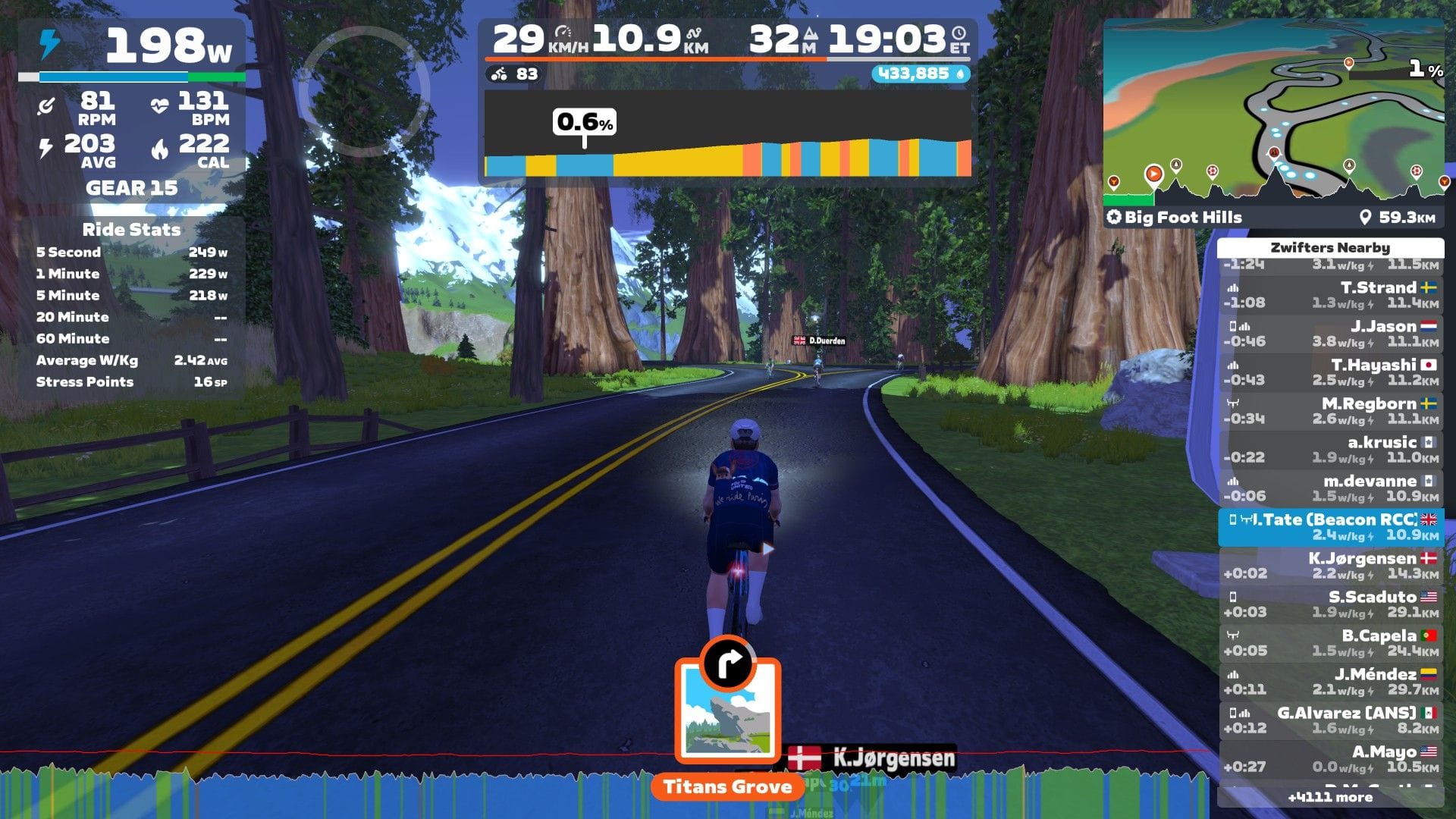
Next Up...Zwift
I train on Zwift every day in the bad winter months of the UK, so I decided to upgrade my rig using the now free hardware. My old Zwift rig was running on an old Xeon E5 server with 8Gb RAM and a Intel A380 GPU, just enough horsepower to run at 1080p...barely.
I decided to run Windows 10 with LTS security updates. I briefly considered Win11, but honestly I've had a bad time with 11 in the past, and just wanted a clean simple, minimalist setup...without all the bloat that comes with Microsoft's "latest and greatest". I would have given Linux a shot, but honestly for this limited use case, I'll just go with what's easiest.
Install and config was a breeze and now I can run Zwift at 4K, 80fps, nice and smooth for those big events where hundreds of other riders are on screen at the same time.